Playbox’s terms describe creating short clips from a still and note that output can vary. Plan where the subject and an important object will move before choosing the starting frame. Use an image of yourself and keep the clothing fully visible.
Find the edge the action needs
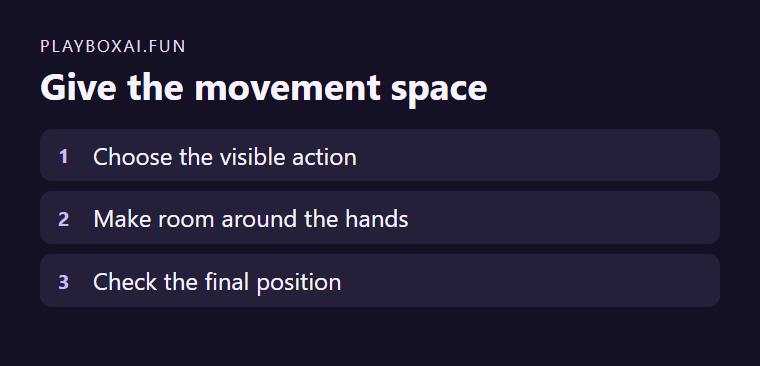
For a simple portrait of yourself in a work jacket, imagine turning a notebook toward the camera. Leave extra room in front of the notebook and around your wrists. If the notebook begins at the far side of the image, a small motion can move it out of view. A still with calm background space gives the action room.
Check the end of any result
Pause where the notebook should face the camera. Inspect hands, sleeves and the frame edge. If the shot crops the important movement, choose a wider source frame or a smaller action. Review the terms and controls for the current workflow before generating again.